Back
PokemonPallet Commands and Hotkeys Guide
1 - Hotkeys
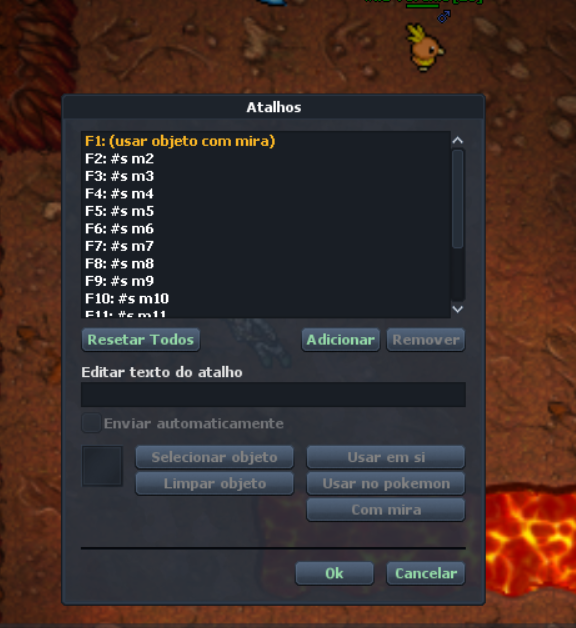
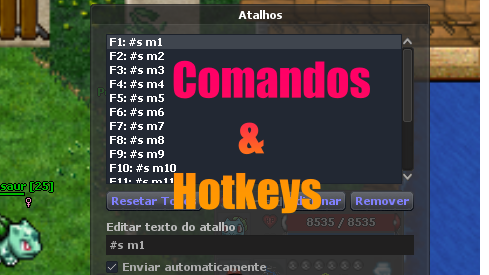
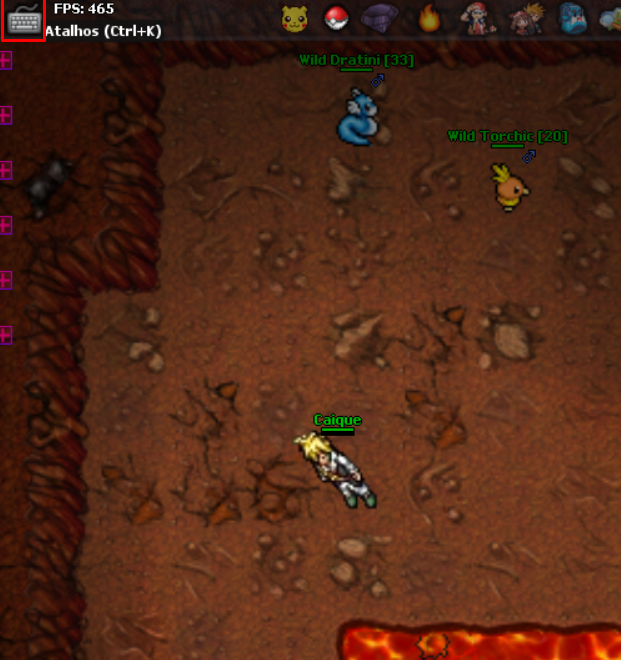
Hotkeys let you create keyboard shortcuts to use items or spell commands for your Pokemon, like m1, m2, m3, etc. To open it, press Ctrl+K or click the icon at the top of the client.
Click the image to enlarge
On the shortcuts screen, you can add text or select items from your inventory to use faster, like rare candy or even the fishing rod.
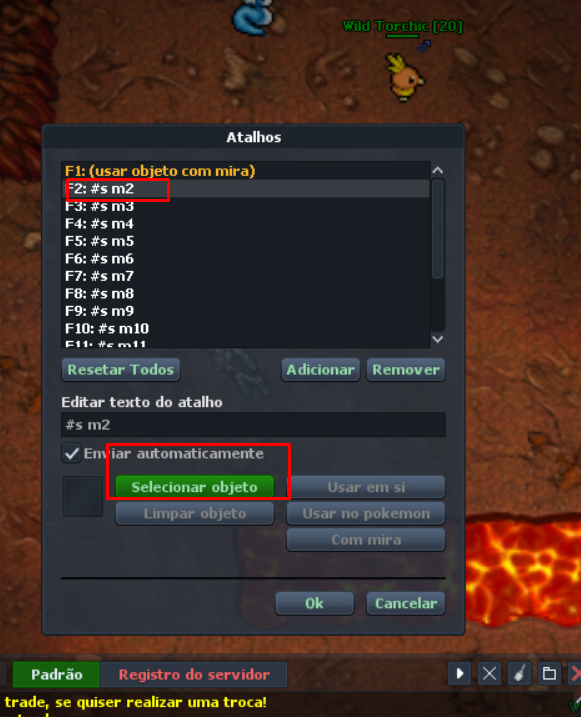
To select an item, click a shortcut line like "F2" and then click select object, as shown below.
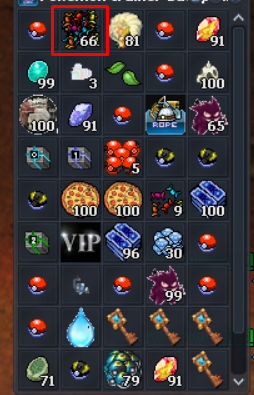
When you click select object, your mouse cursor changes. Find the item in your inventory and click it.
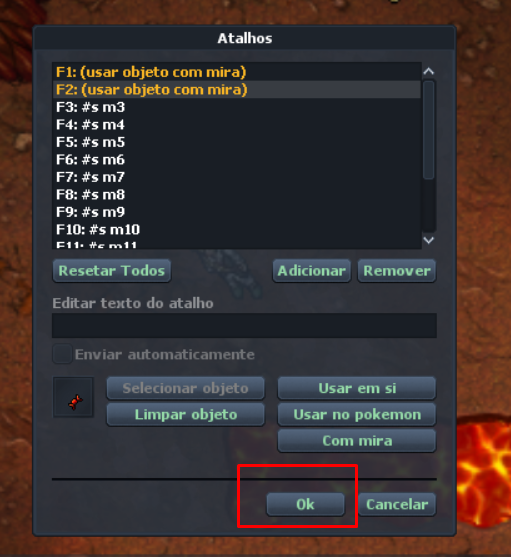
The shortcut screen opens again with the selected item image. Click "OK" and whenever you press "F2", if the item is in your inventory, it will be used.
2 - Commands
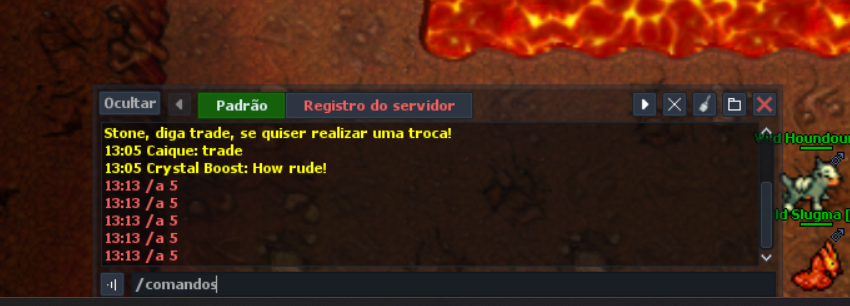
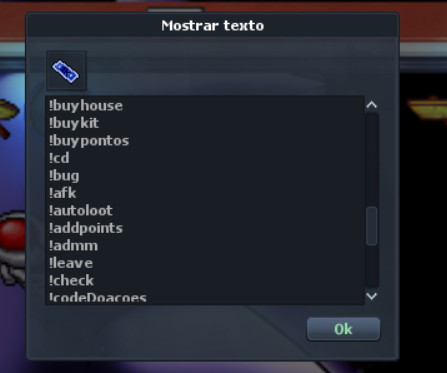
To see which commands your character can use, type "/comandos" and a screen with commands will open.
On this screen, you can see all available commands for players. Below are some examples:
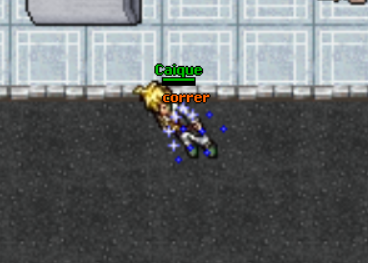
RUN
Command to speed up your movement.
!suggestion
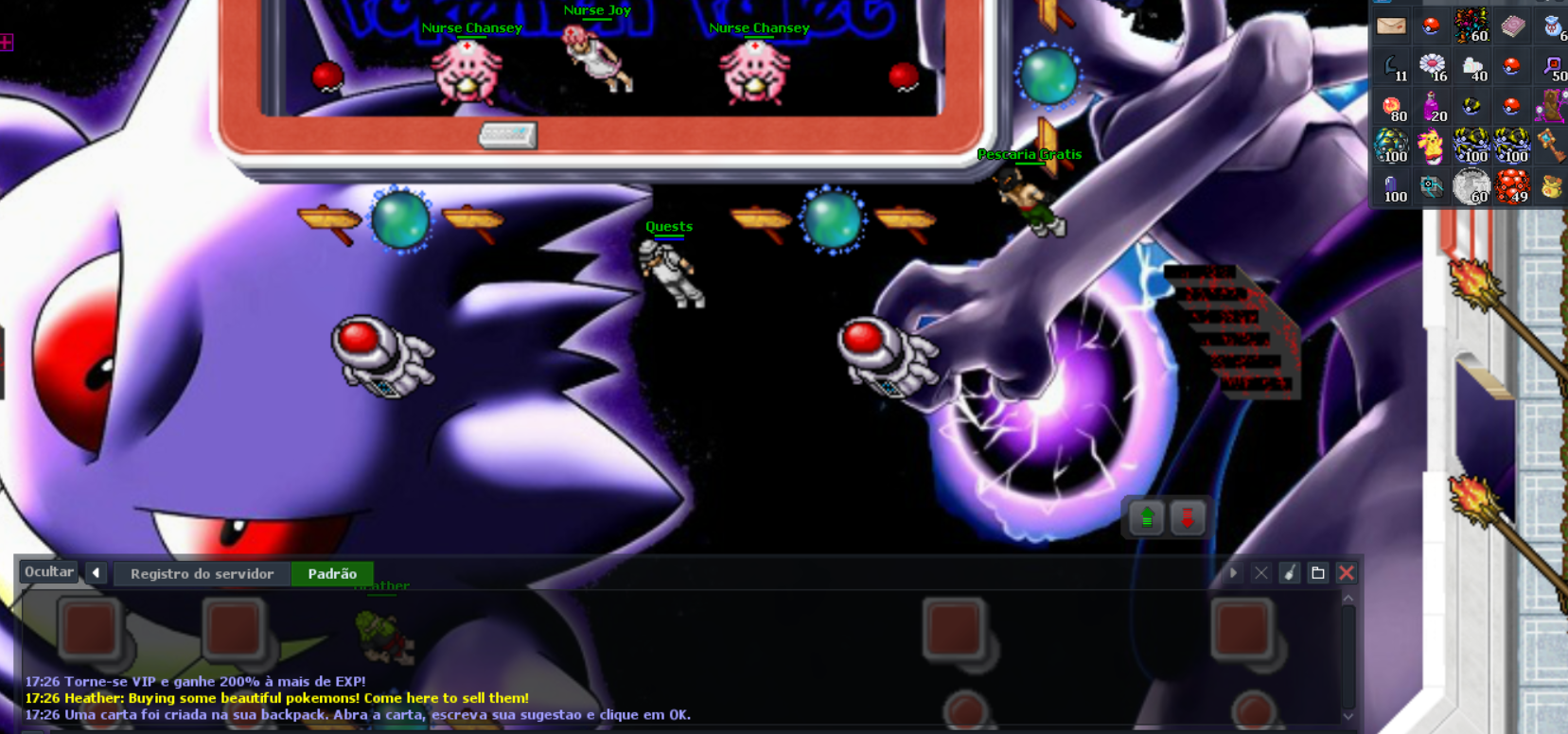
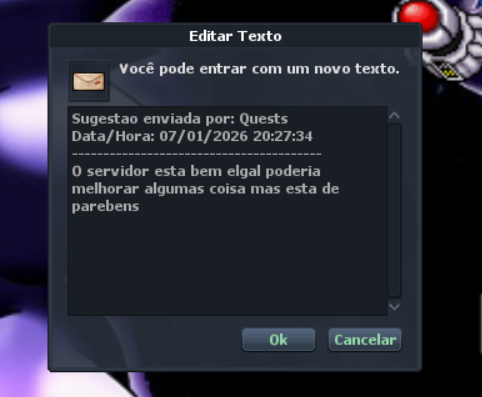
Command to send a suggestion to our team. All letters are read daily and posted on Discord or the WhatsApp group.
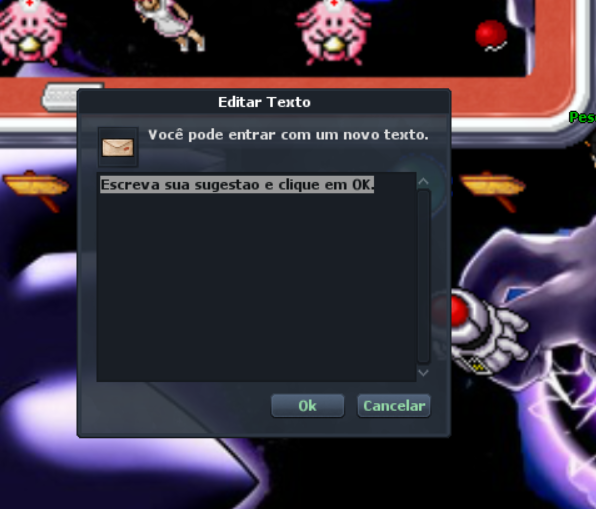
When you use the command, a letter is created in your inventory. Right-click it, write your suggestion and press "OK" to send.
Delete this sentence and type your suggestion.
Approved suggestions can be rewarded to the player who sent it.
!bug
Command to return to the Pokecenter if you get stuck.
!afk on
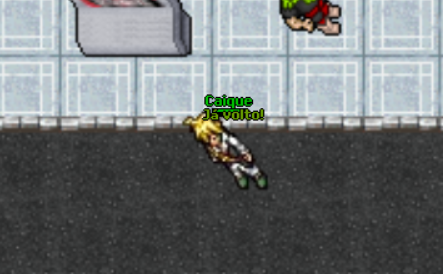
Command to show you are offline.
To disable, type !afk off.
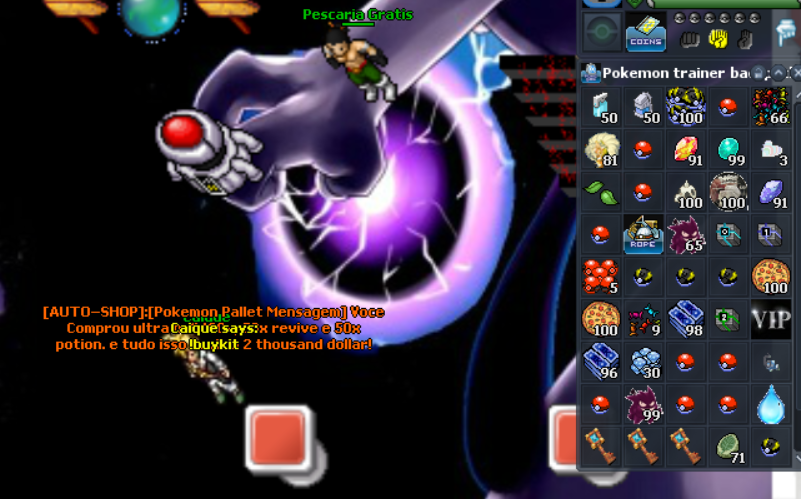
!buykit
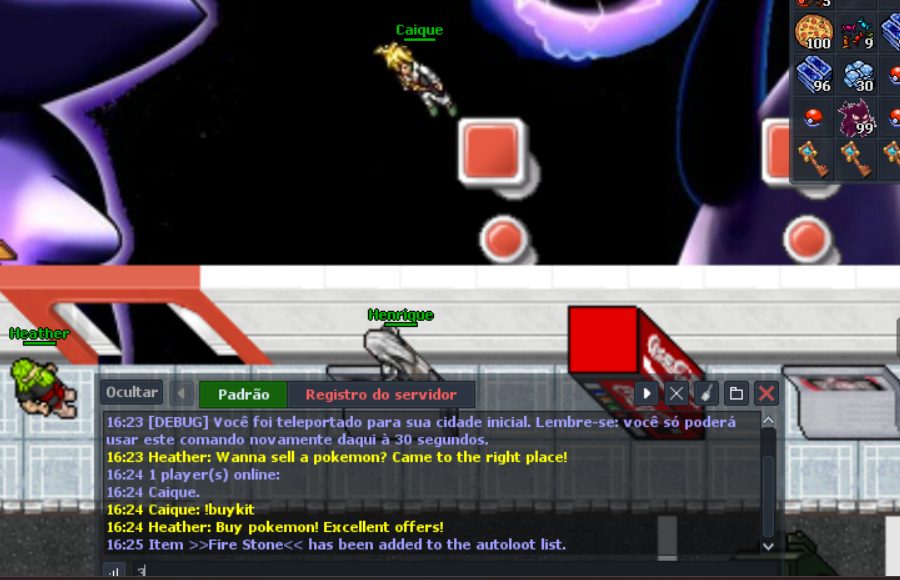
Command to buy Ultraballs and Potions if you are out when needed.
!online
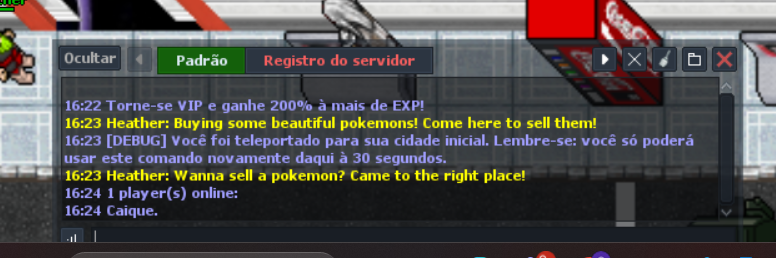
Command to see who is online in the game.
/aloot add:
Command to add aloot manually, for example /aloot add: fire stone.
To remove, type /aloot delete: fire stone.